Random Encounter Generator
Generate an encounter for your party from an original starter catalog.
Loading the calculator…
Worked example
Try five level 1 characters with a Moderate target, a creature count of 1, and the seed granite-watch. Leave both catalog filters on Any. The generator returns a level 3 Latch Golem worth 80 XP against a 100 XP budget.
Method and limits
The generator searches the original RPGCalcLab catalog for the highest XP total that fits the selected budget, creature count, and filters. A result can come in under the selected target. Review the displayed threat and the overall matchup before play.
How to use the Random Encounter Generator
- Set party level, party size, and target difficulty. The target budget reflects the number of characters.
- Set Creature count. This is the number of opponents to generate. A roster can include more than one instance of the same catalog entry.
- Choose optional catalog filters. Environment describes where an entry fits. Creature family narrows the roster to a category such as Construct.
- Read the updated result. Changes apply as you edit. Check total XP, target budget, and the threat the generated roster actually reaches.
If the result is empty, temporarily set both catalog filters to Any. If it is still empty, try a smaller creature count at the same target. This tells you whether the catalog filters or the budget and count are limiting the search.
Try a different creature count
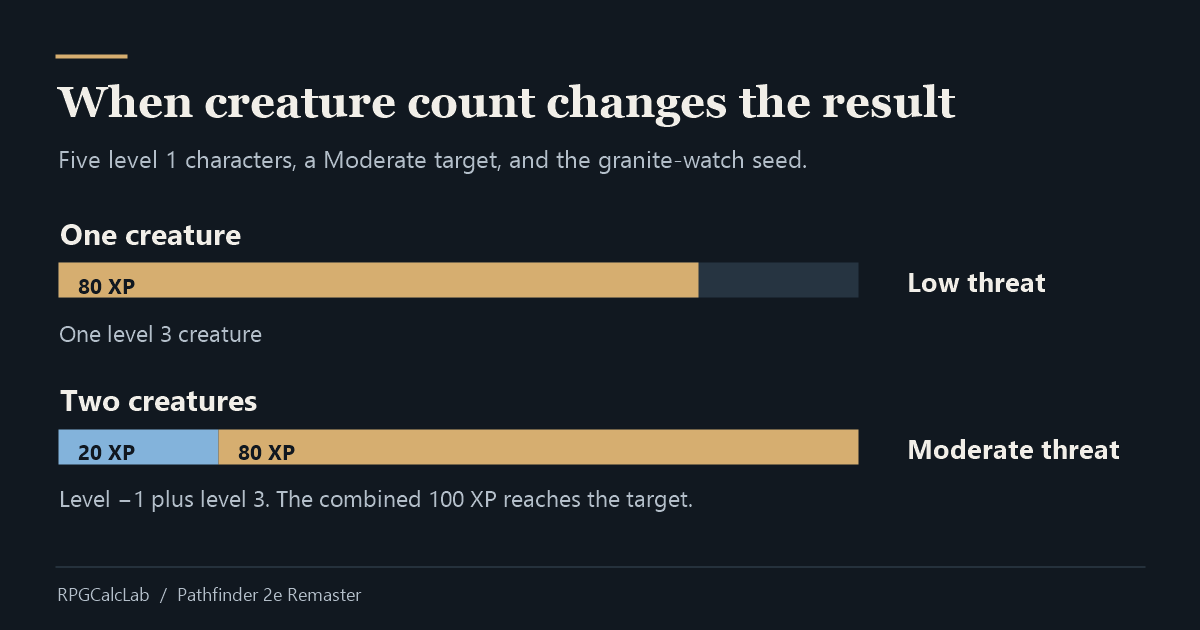
In the worked example, the one-creature result is 20 XP under the Moderate target and is rated Low. Change only Creature count to 2. With the same seed and filters, the calculator finds a level −1 creature worth 20 XP and a level 3 creature worth 80 XP. Together they reach the 100 XP budget.
Keep the one-creature result if a solo opponent is what you wanted. Use two when you want this roster to reach Moderate. Compare the displayed threat after either choice.
Reroll one creature and keep the result
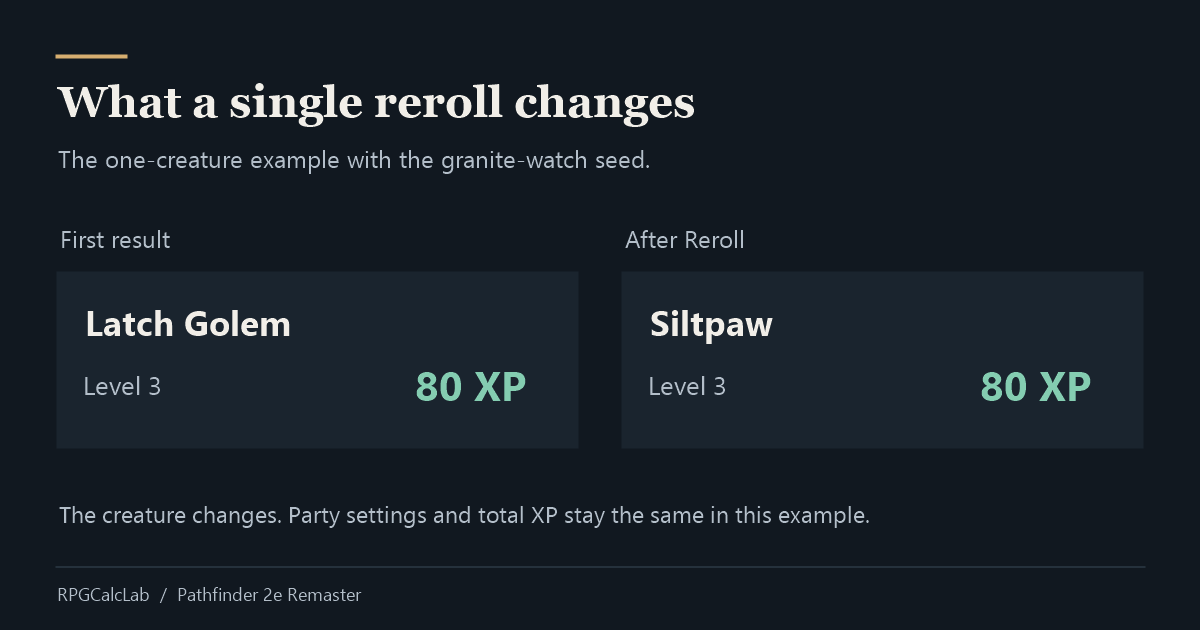
Set Creature count back to 1 in the worked example and select Reroll beside the Latch Golem. It becomes a level 3 Siltpaw. The 80 XP total stays the same because the replacement has the same level. In a longer roster, the other rows stay in place while the generator looks for a replacement within the remaining budget.
The same seed and settings reproduce the first roster with the same catalog. Use Save locally to reopen the exact lineup after individual rerolls. Choose Open in Encounter Builder to add a hazard or substitute a creature from your own notes.
Calculation methodology · Pathfinder rules updates
Frequently asked questions
How does the encounter generator seed work?
Entering the same seed, party level, size, difficulty, and filters always reproduces the exact same encounter roster so you can share or revisit it later.
Can I replace just one creature without losing the rest of the encounter?
Yes. Click Reroll beside any generated creature to swap only that slot within the remaining XP budget.